
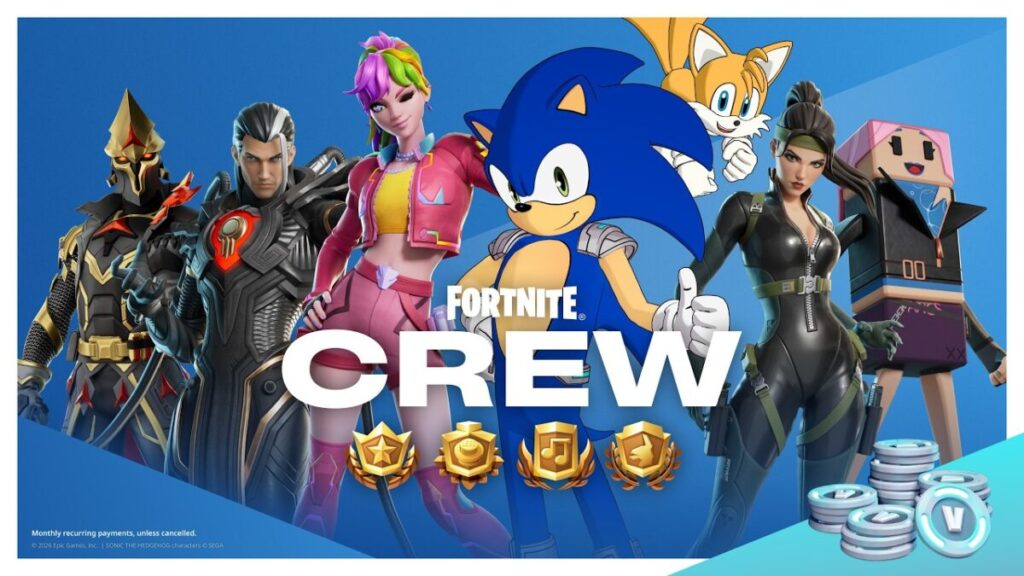
Quick answer: To check your Fortnite Crew renewal date in game, open Fortnite → Passes → Fortnite Crew → Manage Subscription → Cancellation Info. For payment settings or cancellation, use the platform where you bought Crew—Epic, Xbox, PlayStation, Nintendo or a mobile storefront. To check your new V-Bucks loyalty tier, open the Crew tab on or after December 5, 2026; that feature is not live on November 5.
How to see your next billing date
- Open Fortnite and select the Passes tab.
- Choose Fortnite Crew, then Manage Subscription.
- Open Cancellation Info to see your next billing date. You do not have to cancel to view this page.
If you purchased Crew from Epic on PC or mobile, you can also sign in to the Epic Games Subscriptions page and see your upcoming payment. Purchases through another platform may show a Manage Subscription link leading to that platform. Epic’s billing-date instructions document both paths.
New Fortnite Crew tiers: December 5, 2026
Epic announced that the monthly V-Bucks amount rises to at least 1,000 beginning December 5, based on consecutive subscription tenure. The new levels are Core (1–2 months, 1,000 V-Bucks), Bronze (3–5 months, 1,200), Silver (6–11 months, 1,400) and Gold (12 or more months, 1,600). Check the new in-game Crew tab on December 5 or later for your actual tier. These values are future changes as of this guide’s November 5 preparation date.
For current subscribers, Epic calculates starting tier from consecutive months subscribed during the prior 12 months. If you resubscribe between December 6 and December 31, 2026 at 11:59 p.m. ET, Epic says your most recent continuous subscription period from the past year can determine the starting tier. Resubscribing later starts at Core without that previous tenure counting. Avoid canceling and assuming your tier is permanently protected.
The US subscription price remains $11.99 per month. Epic also announced a 20% Fortnite XP bonus for Crew subscribers and a 10% party XP boost for party members who do not have Crew. These boosts do not stack with other Crew boosts. The final monthly Crew Pack outfit arrives in December; the remaining Legacy Styles for owned Crew Packs will be granted in December.
How to cancel Crew if you subscribed through Epic
- Open the Epic Games Subscriptions page and sign in to the account that purchased Crew.
- Select Subscriptions and locate Fortnite Crew.
- Select the cog or manage control, then choose Cancel Subscription.
- Follow the confirmation prompts and verify that future renewal is turned off.
Epic also documents an in-game path for Epic-billed subscriptions: Passes → Manage Subscription → Cancellation Info → Cancel Subscription. The cancellation button may instead send you to the relevant console or storefront if that is where you originally paid.
Cancel on Xbox, PlayStation or Nintendo Switch
Xbox: Sign in at Microsoft Services & Subscriptions, locate Fortnite Crew, select Manage → Turn off recurring billing, and confirm.
PlayStation 5: Open Settings → Users and Accounts → Account → Payment and Subscriptions → Game and App Services, find Fortnite and its Crew entry, then choose Turn Off Auto-Renew. Epic also lists a PlayStation Store web-subscription method. On PS4, the route begins at Settings → Account Management → Account Information → Services List.
Nintendo Switch: Open Nintendo eShop, choose your account icon in the upper right, select Your Subscriptions, locate Fortnite Crew and choose Turn Off Automatic Renewal. Nintendo’s online subscription management is an alternative.
For Apple App Store and other mobile-store subscriptions, use that store’s own subscription-management interface. Epic’s official cancellation help provides platform-specific routes; an Epic account setting alone may not cancel a subscription billed by a different store.
What happens after cancellation?
Epic confirms cancellation stops future automatic renewals; it is not a refund for the month you already purchased. You keep Crew benefits through the end of your current billing period. If the goal is avoiding another charge, verify the billing date and cancel before the next renewal is processed, then retain the confirmation.
If Crew is missing from your subscription list
- Confirm that you are signed in to the exact Epic, Xbox, PlayStation, Nintendo or mobile account used for purchase.
- Check your bank or card statement to identify the billing platform. Then open that platform’s subscriptions page rather than looking only in Epic’s account portal.
- If you no longer control the purchasing account, Epic recommends contacting the corresponding platform’s support team.
- To confirm a tier after December 5, use the in-game Crew tab; subscription history and tier information may differ from which platform handles your charge.
Official support
The menu paths and cancellation consequences come from Epic’s cancellation guide and billing-date guide. The future rewards and resubscription conditions appear in Epic’s November 4 Crew announcement.
Check who bills you first, then manage renewal on that same platform. And if you care about the December loyalty tier, compare the resubscription rules before switching Crew off.